
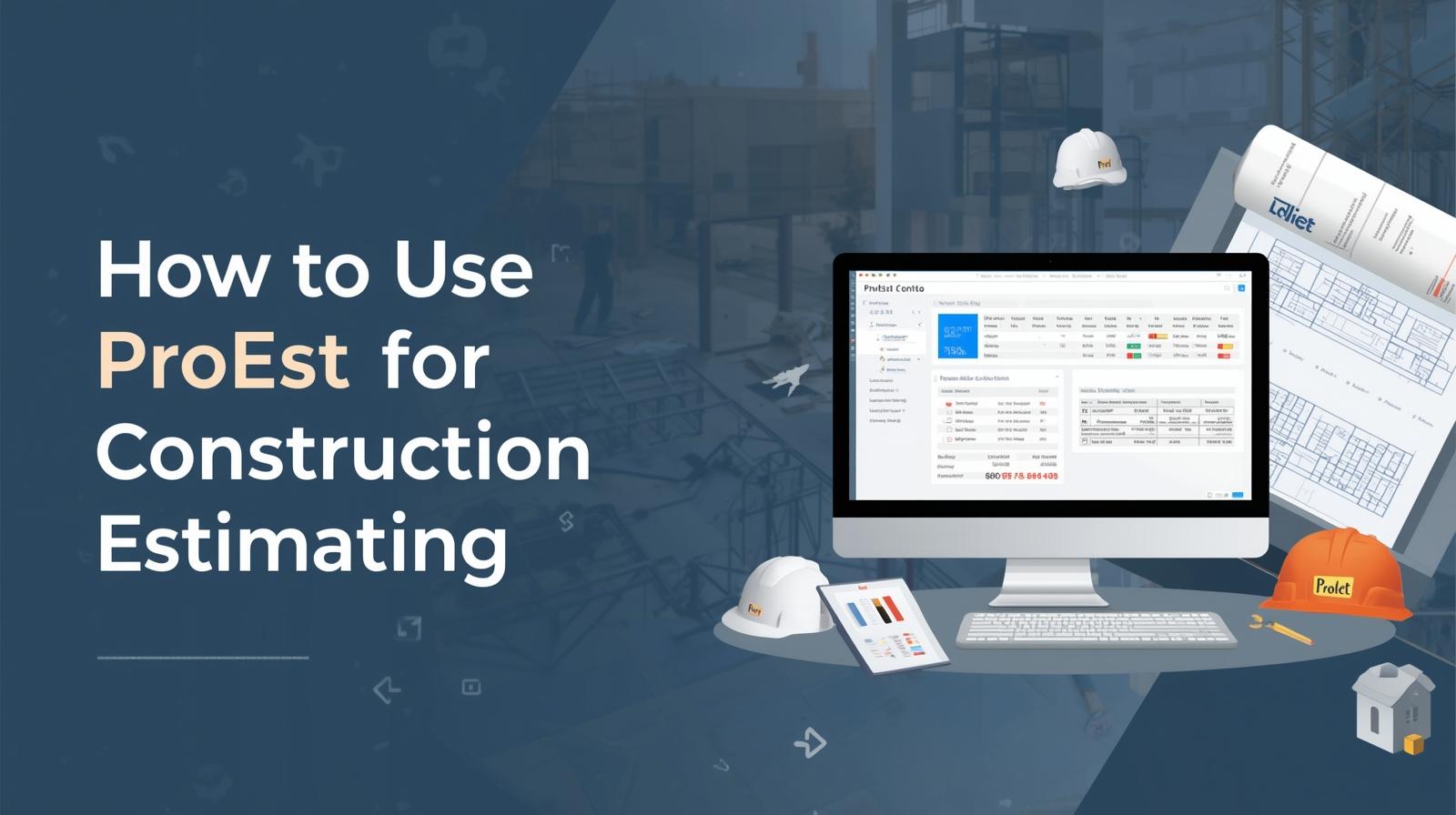
Accurate construction estimating isn’t just about crunching numbers — it’s about combining precision, speed, and collaboration. In today’s digital era, tools like ProEst have transformed how contractors, project managers, and estimators prepare bids and manage costs.
This step-by-step guide explains how to use ProEst for estimating — from setting up your account to generating professional proposals. You’ll learn how to get the most from its digital estimating features, improve workflow accuracy, and deliver competitive bids with confidence.
1. What Is ProEst?
ProEst is a cloud-based construction estimating software designed for contractors, estimators, and builders. It brings together cost estimating, digital takeoffs, bid management, and reporting in one platform.
Because it operates in the cloud, ProEst allows teams to collaborate in real time, access data from anywhere, and maintain version control. It’s built for accuracy and transparency, helping firms reduce manual entry errors and streamline the bidding process.
Key Features of ProEst:
- Cloud-based access for teams and devices
- Digital takeoff and measurement tools
- Centralized database of cost items and assemblies
- Built-in templates for consistent estimate creation
- Real-time reporting and analytics
- Integration with project management tools (like Procore and Autodesk)
Whether you’re a small contractor or managing multi-million-dollar bids, ProEst offers a scalable solution that standardizes your estimating process.
2. Getting Started with ProEst
Before creating estimates, you need to set up your workspace correctly.
Step 1: Create and Configure Your Account
Once you log into ProEst:
- Go to your Dashboard.
- Set up company preferences such as:
- Default cost database
- Labor rates and markups
- Currency and unit system (Imperial or Metric)
- User permissions and roles
Setting these preferences ensures all future estimates follow consistent standards.
Step 2: Build or Import a Cost Database
ProEst lets you either:
- Import your existing cost database, or
- Use preloaded cost data to start quickly.
Your database should include:
- Material unit costs
- Labor rates
- Equipment usage rates
- Subcontractor costs
- Overhead and profit percentages
Having a centralized cost database saves time and ensures consistency across projects.
3. Creating an Estimate in ProEst
Step 1: Start a New Project
From your dashboard:
- Click “New Estimate.”
- Enter project details — name, client, location, and bid type.
- Select a cost database and default markup.
This forms the foundation for your estimate.
Step 2: Add Items or Assemblies
ProEst supports both unit item estimating and assembly-based estimating.
- For Unit Items: Search for materials or tasks (e.g., “Concrete Slab 3000 PSI”) and input quantities.
- For Assemblies: Choose pre-configured assemblies that group several cost items together (like wall systems, roof structures, or flooring).
Assemblies are time-savers that ensure no scope component is missed.
Step 3: Perform Digital Takeoffs
ProEst includes built-in digital takeoff tools that let you upload project drawings (PDF, DWG, or image files) and measure directly on screen.
You can:
- Trace walls, slabs, and areas for automatic quantity generation.
- Assign those measurements directly to corresponding items in your estimate.
- Color-code your drawings for visual clarity.
This replaces manual takeoff with a fast, accurate, and transparent method that connects measurements to actual costs.
Step 4: Adjust Labor and Productivity
Each item in ProEst includes a labor rate and productivity assumption.
You can:
- Adjust labor hours based on crew skill level or job conditions.
- Add new labor classes if your project involves specialized trades.
- Apply overtime rates or shift premiums as needed.
This customization ensures the estimate reflects your company’s real-world production capabilities.
Step 5: Add Markups and Indirect Costs
After entering all direct costs, include:
- Overhead: Office expenses, supervision, permits, insurance, etc.
- Profit: Usually added as a percentage markup on total cost.
- Contingency: A safety margin for design or market uncertainties.
ProEst allows you to define these percentages globally or per line item.
Step 6: Apply Location or Market Adjustments
For multi-region contractors, ProEst enables location adjustments to reflect labor and material price variations between markets.
For instance, a roofing job in Chicago might cost more than in Phoenix due to wage differences or logistics costs. Applying these factors gives your estimate more geographic accuracy.
4. Reviewing and Finalizing the Estimate
Before final submission, thoroughly review:
- Unit cost details: Confirm pricing accuracy.
- Labor productivity: Ensure crew outputs are realistic.
- Scope completeness: Cross-check all divisions (CSI codes) are covered.
- Markup consistency: Verify uniform application across items.
Once verified, you can generate reports, export data, or share the estimate with your team or client.
Step 7: Generate Reports
ProEst can automatically generate:
- Summary Reports: Overall project cost breakdown.
- Detailed Reports: Line-item analysis of materials, labor, and equipment.
- Variance Reports: Comparing estimated vs. actual costs from past jobs.
- Client Proposal Templates: Ready-to-present bid documents with your logo and contact details.
Customizing these reports ensures clients receive professional, transparent documentation that builds trust.
5. Collaboration and Cloud Integration
One of ProEst’s strongest advantages is team collaboration. Since it’s cloud-based:
- Multiple estimators can work on the same project simultaneously.
- Managers can review estimates in real time.
- Version control ensures all changes are tracked and reversible.
Additionally, ProEst integrates seamlessly with popular construction management tools such as Procore, Viewpoint, and Autodesk Build, allowing cost data to flow directly into project management and accounting systems.
6. Common Mistakes to Avoid
Even though ProEst simplifies estimating, a few common errors can impact accuracy:
- Not Updating Cost Data: Always verify your cost database before each estimate.
- Ignoring Takeoff-Estimate Linking: Double-check that every measured area links correctly to a cost item.
- Skipping Labor Calibration: Generic labor rates may not reflect your field productivity.
- Overlooking Overhead or Contingency: These are essential for complete project pricing.
- Failing to Save Versions: Always maintain snapshots for audits and future comparison.
Avoiding these mistakes ensures your estimates remain accurate, defensible, and competitive.
7. Benefits of Using ProEst
Integrating ProEst into your estimating workflow offers several long-term advantages:
- Efficiency: Automated takeoffs and pre-built assemblies cut estimating time dramatically.
- Accuracy: Cloud databases ensure you’re always using up-to-date costs.
- Collaboration: Multiple team members can contribute in real time.
- Transparency: Clients and management can review detailed cost structures easily.
- Scalability: Works for small contractors and enterprise-scale projects alike.
These benefits make ProEst one of the most trusted digital estimating tools in the construction industry.
8. Tips for Getting the Most Out of ProEst
- Customize Your Cost Database: Tailor it to your trades, materials, and regional conditions.
- Regularly Update Pricing: Review and refresh your cost data quarterly.
- Leverage Templates: Use built-in project templates for repeatable project types (schools, offices, warehouses).
- Train Your Team: Ensure every estimator knows how to navigate, adjust, and report efficiently.
- Integrate with Accounting: Sync cost codes and project numbers to maintain financial consistency.
Consistency in setup and process leads to more reliable and profitable estimating results.
9. The Future of Digital Estimating with ProEst
As construction technology continues to evolve, cloud estimating platforms like ProEst are setting new industry standards. The future of estimating will increasingly rely on:
- Real-time cost updates from connected suppliers
- AI-driven productivity forecasting
- Seamless integration between takeoff, estimation, and project execution
ProEst’s data-centric approach ensures that estimators can adapt to these trends without reinventing their workflows.
10. Conclusion
Using ProEst for estimating isn’t just about simplifying your workload — it’s about elevating the quality and credibility of your estimates. By centralizing data, automating takeoffs, and standardizing templates, ProEst allows estimators to focus on strategy, not spreadsheets.
In an industry where accuracy determines profitability, adopting ProEst helps ensure your bids are precise, professional, and competitive. Whether you’re pricing small renovations or major infrastructure projects, mastering this tool can redefine how you estimate, collaborate, and win more work.